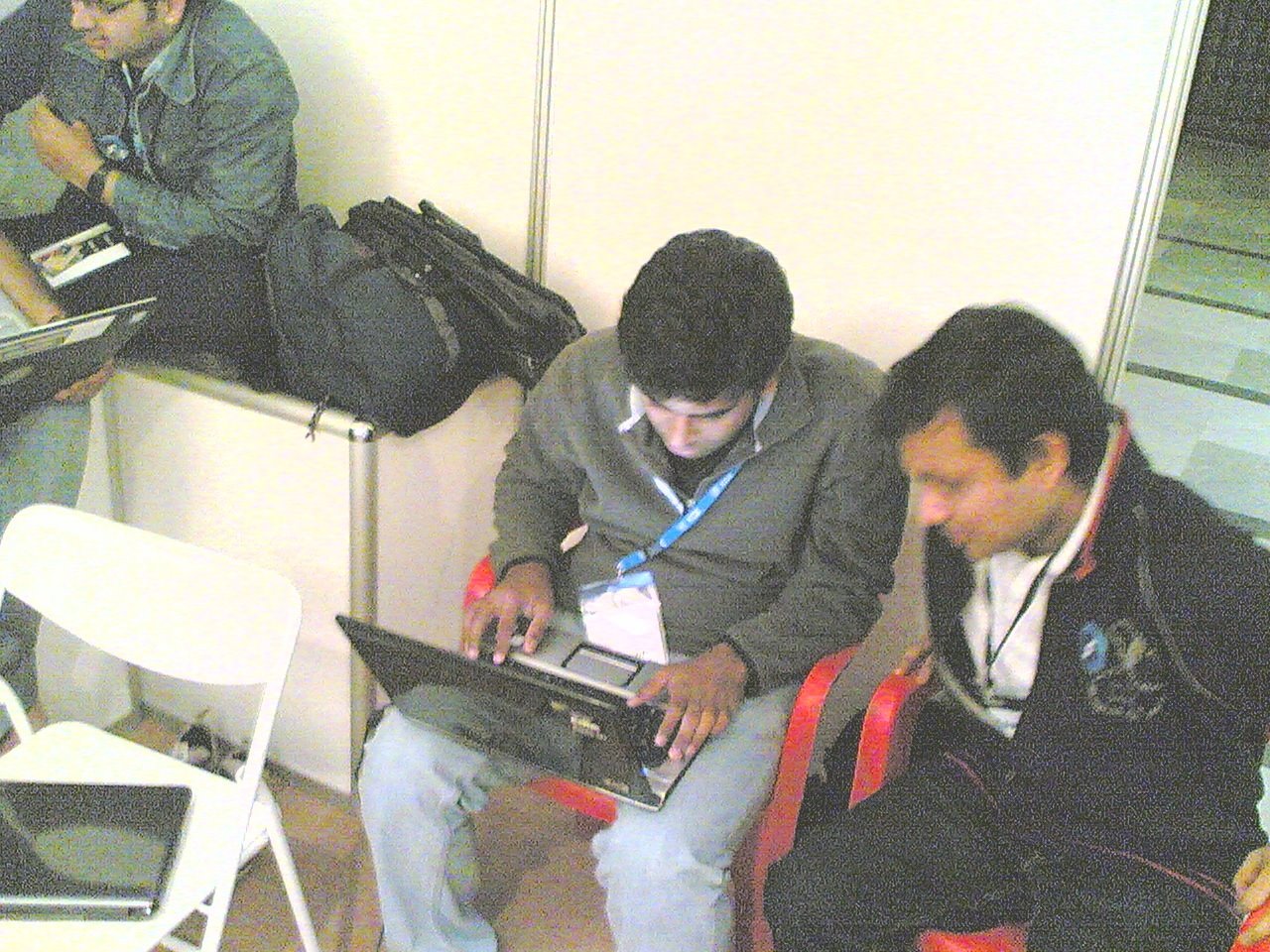
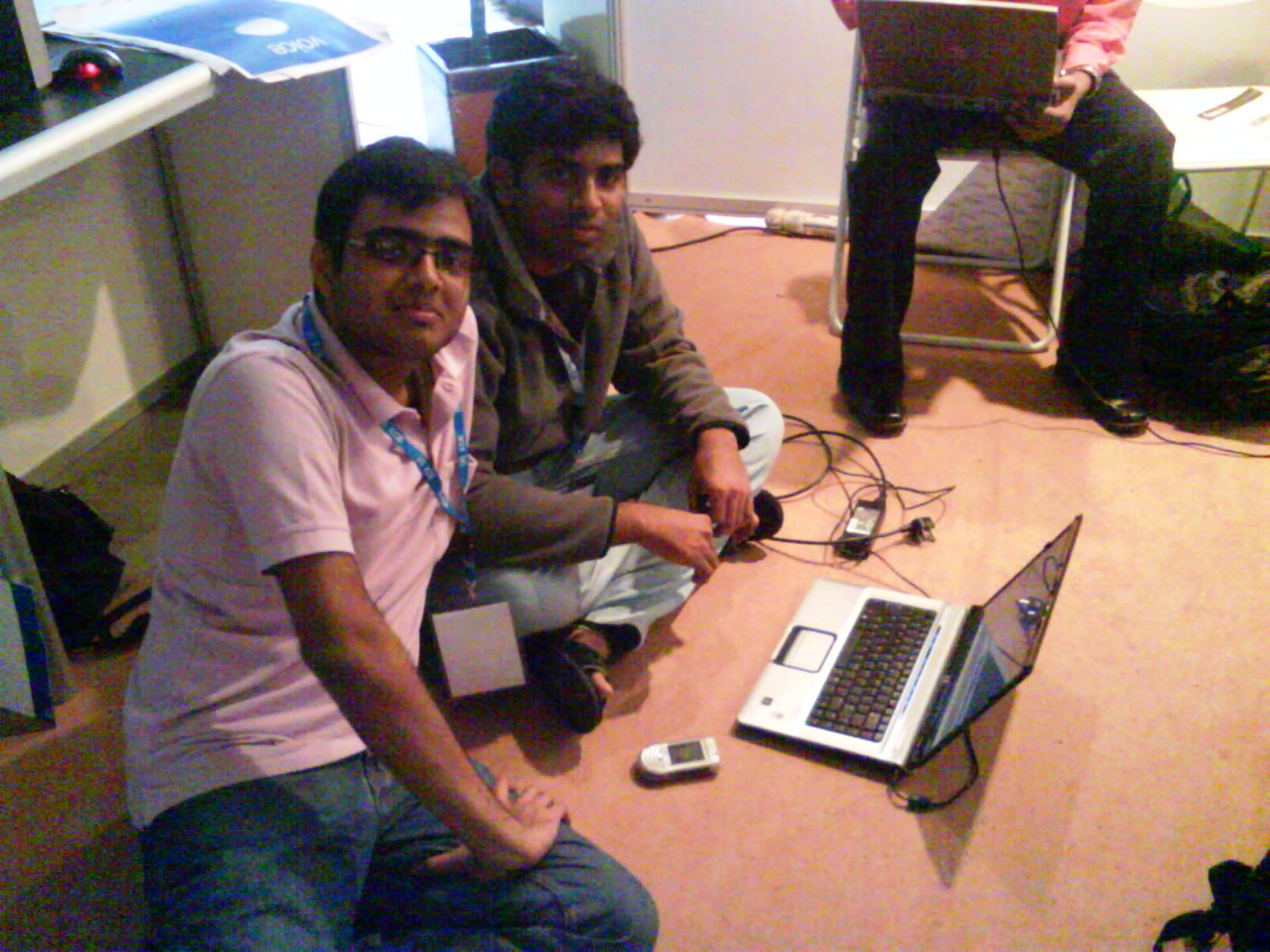
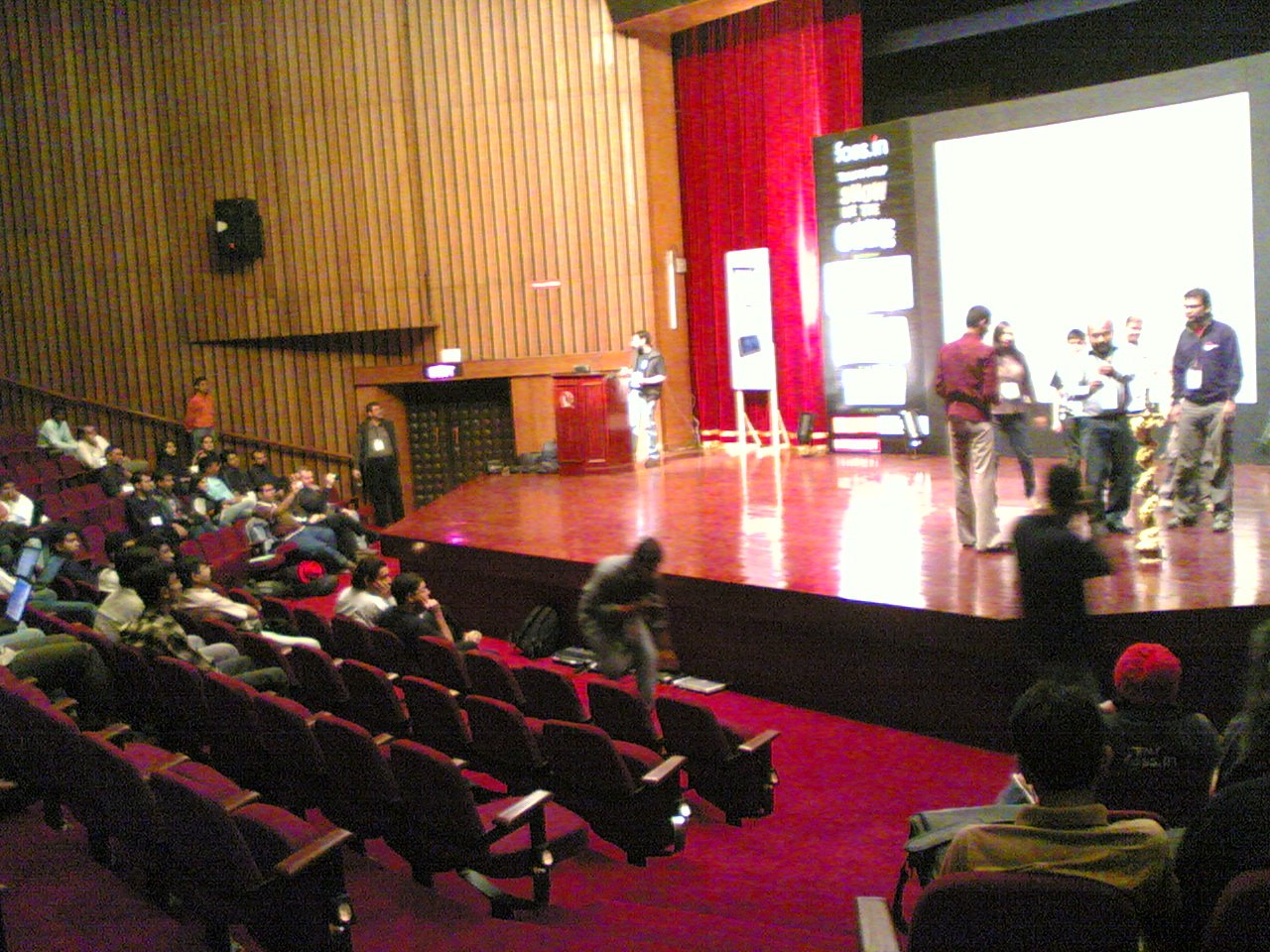
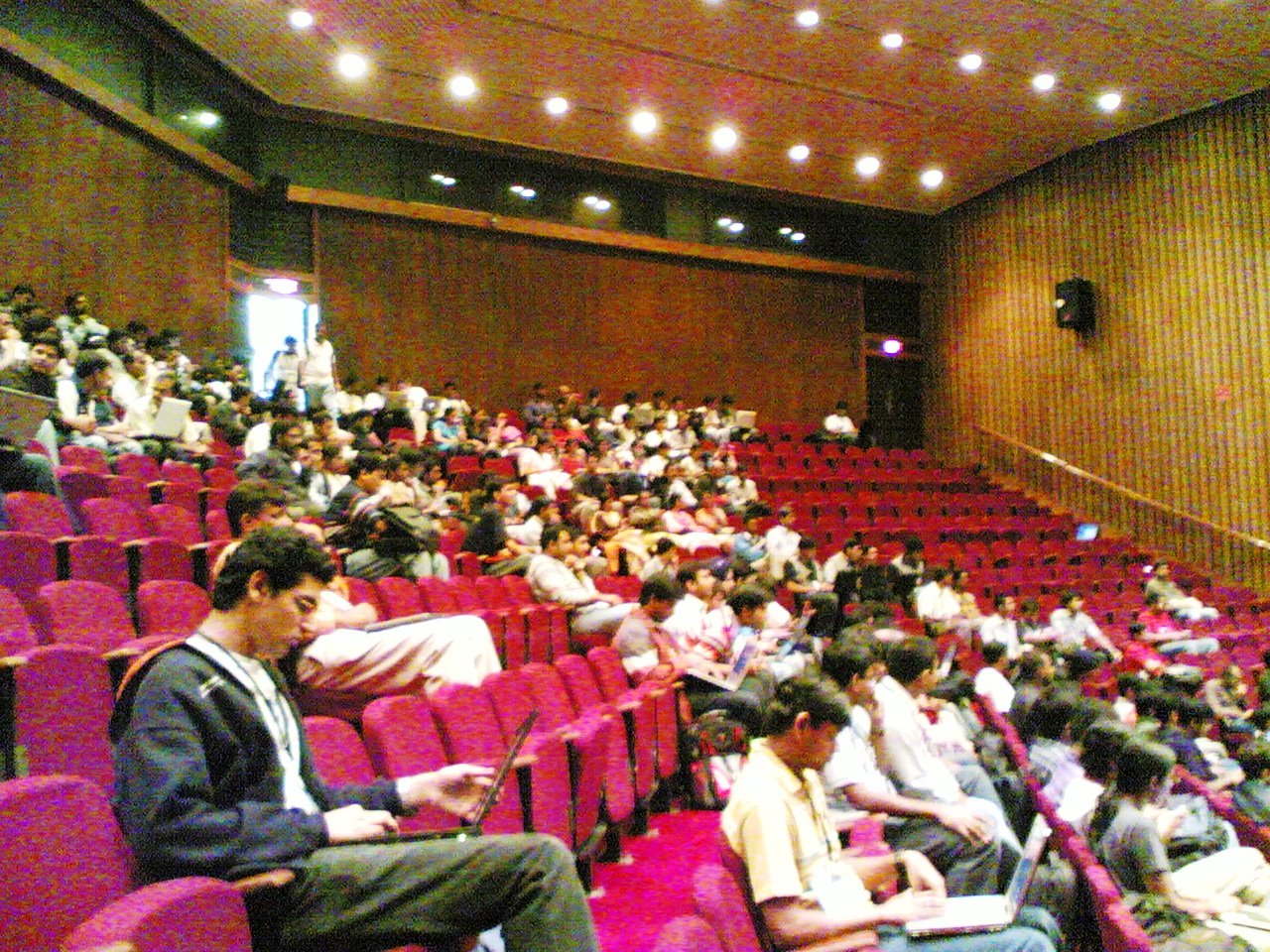
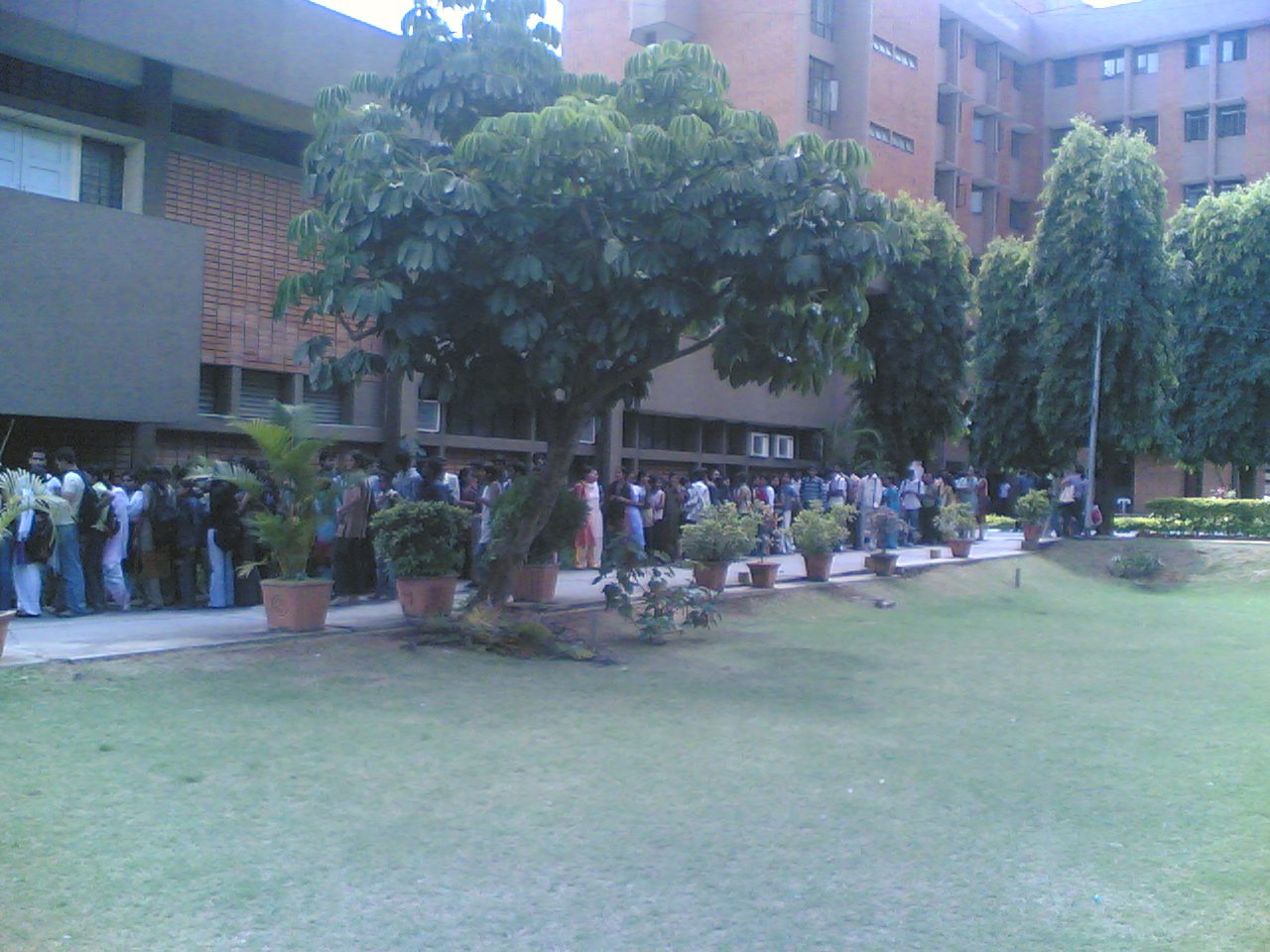
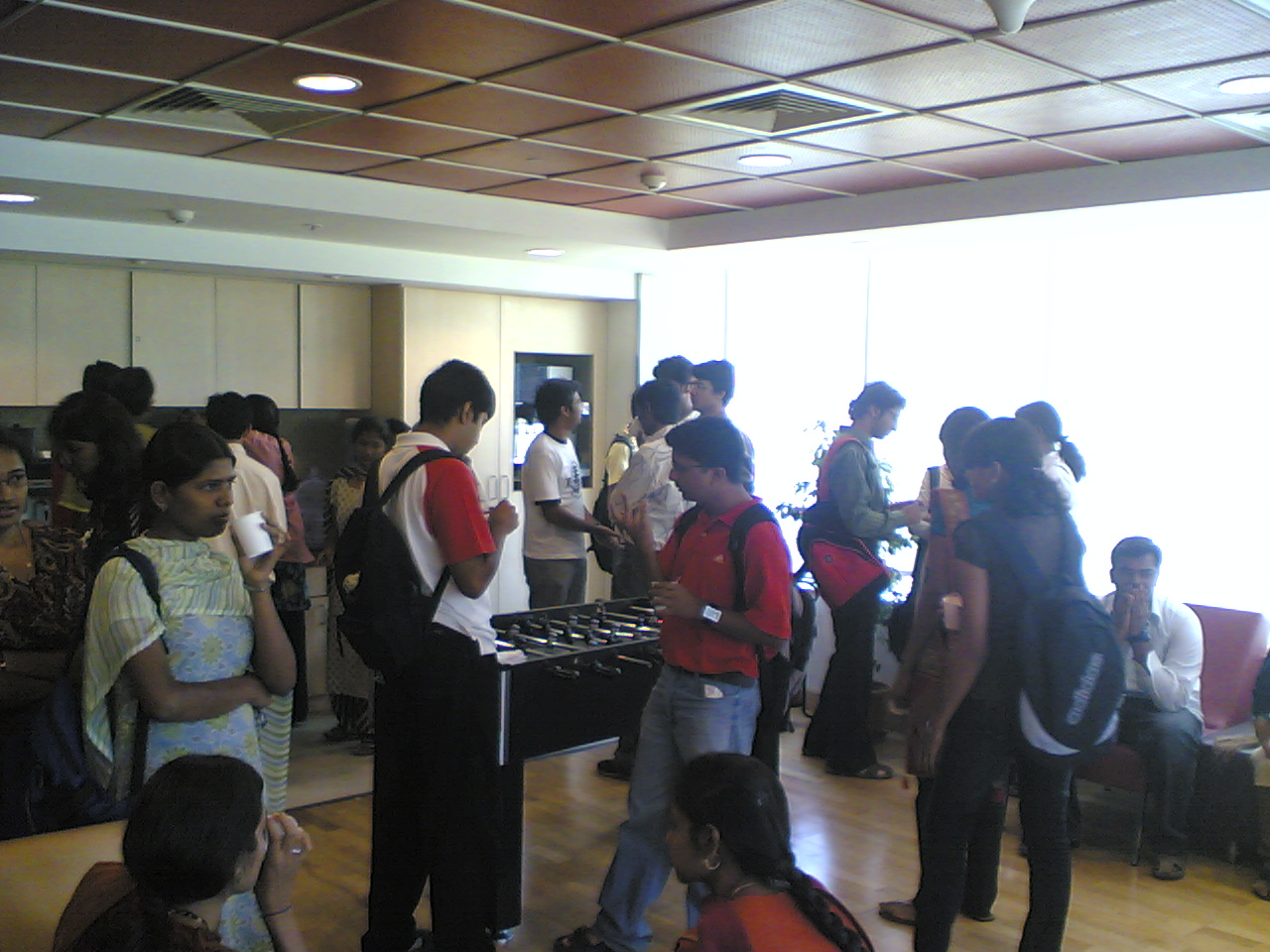
Oh, again I was late. But this time its the traffic to blame. And by the way, it was Krishna's Birthday today. Happy birthday again, Krishna. So, here's the story – Today was entirely different from yesterday. Yesterday, we were coding and fixing bugs, today was the display of the vibrant K Desktop Environment and some of its pillars – Phonon, Solid to name a few. Learnt a lot about KDE and Makefiles today, especially cmake. And yes, got a KDE T-shirt during the sessions, yippee !!! In the end, we had a beautiful song by Adrian and others “We are KDE …”, and the best of all, we got a book on Qt development; I was wanting to learn either gtk or Qt since a long time, now its easy, provided exams don't become a barrier. Returning back seemed a pain again, due to heavy traffic, but I read the book on the way, so it was comfortable. Couldn't take any photos today.
FOSS.IN 2008 Day 2
FOSS.IN 2008 Day 1
I waited to get my delegate card at the registration counter at FOSS.IN venue at Indian Institute of Science, Bangalore and went inside with the usual BMSCE gang – Krishna, Madhusudan and Santosh and . (Kavoor had come too, but in the other half of the day).
Â
It was after we met a KDE guy, Adriaan de Groot who had come here to speak about KDE, I got to know how superb the KDE community. It was great. Then, we went to the hall for the inauguration ceremony which was quite fine, with a keynote from Harald Welte about
How to do embedded Linux right
(which seemed quite boring, because we had nothing to do with hardware).
And then, for the next day, I waited …
How to play multiplayer on Half-Life Counter Strike over internet
Hi folks,
Before coming to my college's hostels at Bangalore, I used to play Half Life and other multiplayer games with my sister (yes, my sister) at home using a LAN. When I came here and after some days I tried to connect to the Half-Life server she was creating, i was getting the error LAN servers are restricted to local clients (class C). I tried to search, but in vain, then I found that using Hamachi VPN software and aliases inside it, its easy to play the game. But, again, if I tried to connect, it stuck at Requesting Resourcelist from server. Made me think it was not possible.
Then after some months, we used to play Counter-Strike on LAN, which continued for about a month. But one day, someone from another hostel of our hostels tried to connect (the subnets of the hostels are different), and he got the same LAN servers are restricted to local clients (class C) error. (It was here only i learnt that CS used the same engine HL multiplayer used). We tried Hamachi here also, where thankfully worked. But the problem? It required an internet connection, which isn't available round the clock.
So, i figured out that the problem was that CS/HL doesn't allow servers from outside server's subnet to connect. This indicated to use a way if we could trick the server. I got a unusual idea so that i could play with my sister at Patna, or between different hostels.
I was using Lava Software's ezProxy to share my home internet connection with my laptop over LAN at home before. I found out it has a feature which allows you to map a port on the computer on which its running to some port on another computer on the network/internet. What i did was simple, ran ezProxy on my sister's computer (118.95.xxx.xxx) and mapped a port, say 8001 to port 27015 (used by HL/CS servers). Then goto the HL console (by running hl.exe -dev -console from commands prompt and pressing the backquote ` button during the game) and type connect 118.95.xxx.xxx:8001 and press enter. And bravo! it connects (and that too at just 100ms latency).
What happens is that to my sister's HL server it appears that someone (ezProxy) from same subnet is connecting to the game, and hence it allows the connection, lol.
So, just follow the following steps for this (on the server) –
- Download ezProxy from Lava Software's website and install it (demo version allows 2 users to connect, which was enough for me and my sister).
- Start ezProxy in App Mode from the Start menu.
-
Right click on the tray icon and select Start manager. Click Login and fill password as 1234, and press OK.


-
Close the dialog that appears. Right-click on Service and select Add->UDP Map Proxy

-
Fill in anything in the Service Name, give a port (or leave default 8000), and goto the Map tab

-
In the Map tab enter 127.0.0.1 in Host and 27015 in Port and press OK

-
Verify that a service with the name specified in Step 5 appears under Services

- Now, start HL/CS and create the server.
Then, follow the following steps on the server client –
- Start HL/CS and bring the HL/CS console (in HL by running hl.exe -dev -console from command prompt and then pressing the backquote ` button during the game in HL/CS)
- Type connect xxx.xxx.xxx.xxx:8000 where xxx.xxx.xxx.xxx is the external IP address of the server( to know whats the IP address, goto sites such as www.cmyip.com on the server) and press enter
- This requires the person at the server to tell its external IP to the person at client manually through email/IM/telephone, but I have a software which you can install at the server and it'll automatically send the IP address of the server to the client's e-mail address. Till then use the manual email/IM/telephone, procedure.
- The game should successfully connect, and you'll be able to connect. Note that you've to repeat Steps 2 and 8 for server and all steps for client everytime you want to play a multiplayer game
NOTE: If the server and client are on a LAN, then instead of the external IP, give the internal LAN IP.
Hope this helps people getting the error LAN servers are restricted to local clients (class C). Happy shootin'.

How To Stay Away from The Most Common Virus on Windows These Days
Hi guys, The most common virus that I see nowadays, which has infected almost all systems, is the (Virus Name Here) which commonly propagates through user's USB flash drives (commonly referred to as Pen Drives). Though it causes little direct harm, like other viruses, it keeps running itself on startup, and wastes CPU time. So, here are some steps to follow to prevent it, because Prevention is always better than Cure.
NOTE:Linux Users don't need to read it, because statistics report that almost none of the linux systems are infected by viruses.
Hi guys, The most common virus that I see nowadays, which has infected almost all systems, is the (Virus Name Here) which commonly propagates through user's USB flash drives (commonly referred to as Pen Drives). Though it causes little direct harm, like other viruses, it keeps running itself on startup, and wastes CPU time. So, here are some steps to follow to prevent it, because Prevention is always better than Cure.
NOTE:Linux Users don't need to read it, because statistics report that almost none of the linux systems are infected by viruses.


- When using a USB Flash Drive, DO NOT double click the drive in My Computer to open it, as it causes an infected Flash Drive to run the virus on your system. Instead, right-click and select “Explore”. This will ensure that you won't accidently run the virus installation script.
- Whenever you see folders/files which you, or the person to whom the Flash Drive belongs hasn't created, then its highly probable thats its a virus which was copied from an infected computer. In such a case, delete the folders/files.
- Normally the folders mentioned in above step are named as “System”, “Windows”, so as to confuse the user that these are Windows OS files. And, the files are named “regsvr.exe”, “DriveGuard.exe”, again to confuse the user. A file autorun.inf which specifies what happens when you double click on the drive contains the script to install the virus. So delete this also.
- Also, one variant of the virus makes copies of itself having the same name as the folder congtaining it. For example, if you have folders Hello, World, Foo, then there will be three files named Hello.exe, World.exe, Foo.exe respectively in these folders. Not only this, the EXE files will have icons similar to that of a folder icon, so as to make the user think its a folder, and double-clicking it will run the virus.
- To check if your computer is infected, right-click on an empty space in the taskbar, (the bar which contains your open windows) and click on Task Manager. Now goto tab called “Processes”, search for files such as those mentioned in Step 3, which display your username alongside. Note that if these were system files, the user should have been “SYSTEM”, not your username. So, terminate these processes, by selecting them and clicking on End Process. Additionally, goto Start>Run and type “regedit” and press enter. If you can see a “Registry Editor” window, you're either probably safe, or the virus hasn't done too much damage.
- Get a GOOD Anti-Virus !! My personal recommendation will be AVG Free Anti-Virus which offers a decent performance and a good hit rate. Please don't go for cracked software, avoid software piracy.
- Switch to linux !! Statistics report that almost none of the linux systems are infected by viruses (because maximum number of viruses are targeted for the Windows platform, and its easier to breach Windows security, mostly because of user unawareness).
Hope this helps you in keeping your computer safe and secure.
Chandrayaan 1 Successfully launched
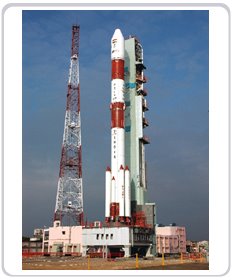
This is a great moment for all of us to be proud. ISRO launched India's first unmanned mission to moon at the Satish Dhawan Space Center at Shriharikota by the Indian PSLV (Polar Satellite Launch Vehicle). Despite having my internals today, i woke up at 6:20 A.M. and watched the launch, it was superb, it just felt amazing, to see the Indian flag on the vehicle soar high in the skies.
Â
Internet…a dream for me…
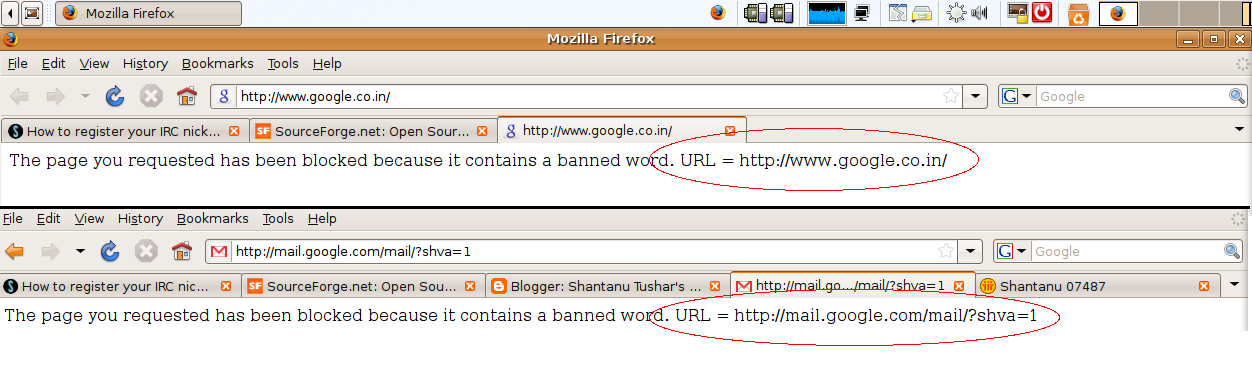
If someday you think my blogging isn't regular, or new posts aren't there, don't worry, its usual. Technology is the thing, that i just love, its so exciting to learn new things, create new things, but hey, its not that easy for me, here at my hostel.. Why? Good question; Well, just because due to some mysterious reasons, administrators here sometimes do things which can become a horror. Take for example the following screenshot- 
Somehow, they denied access to Gmail and Google India (orkut is already not allowed), I don't know what they're upto, but one thing is for sure, I just wish that I'd have a better connection, one that I had at home (though only for few months), I'd be able to discover more on the www, I'd be able to easier share my pictures through Picasa, I'd be able to play multi-player with my sister at home, etc etc But hey, challenges are a part of life, isn't it? Lets see if I can go on like this. And to the lucky guys sitting and reading this at home, enjoy !!
Software Freedom Day In BMSCE
On Thursday, September 26, The Department Of Computer Science And Engineering, B.M.S. College Of Engineering, in association with Sun Microsystems organised a seminar and hands-on session of Open Source Software and the importance of student contribution in it. With a huge crowd, including many students from colleges like Dr.AIT, DSI, etc, the seminar started as per schedule at 9:00 A.M. with welcome from Rashmi, the college ambassador for Sun Microsystems in BMSCE, followed by the Head Of The Department, CSE, M.Indiramma and The Principal, B.M.S. College Of Engineering, who wished that everyone attending the seminar see their expectations fulfilled. (Owing to my weak memory, i cannot recollect the names of the brilliant people who came from SUN to demonstrate the technologies.) The first session was about what Open Source was about and how its important, followed by a session about Cluster Computing, the current research going on at SUN here.
Â
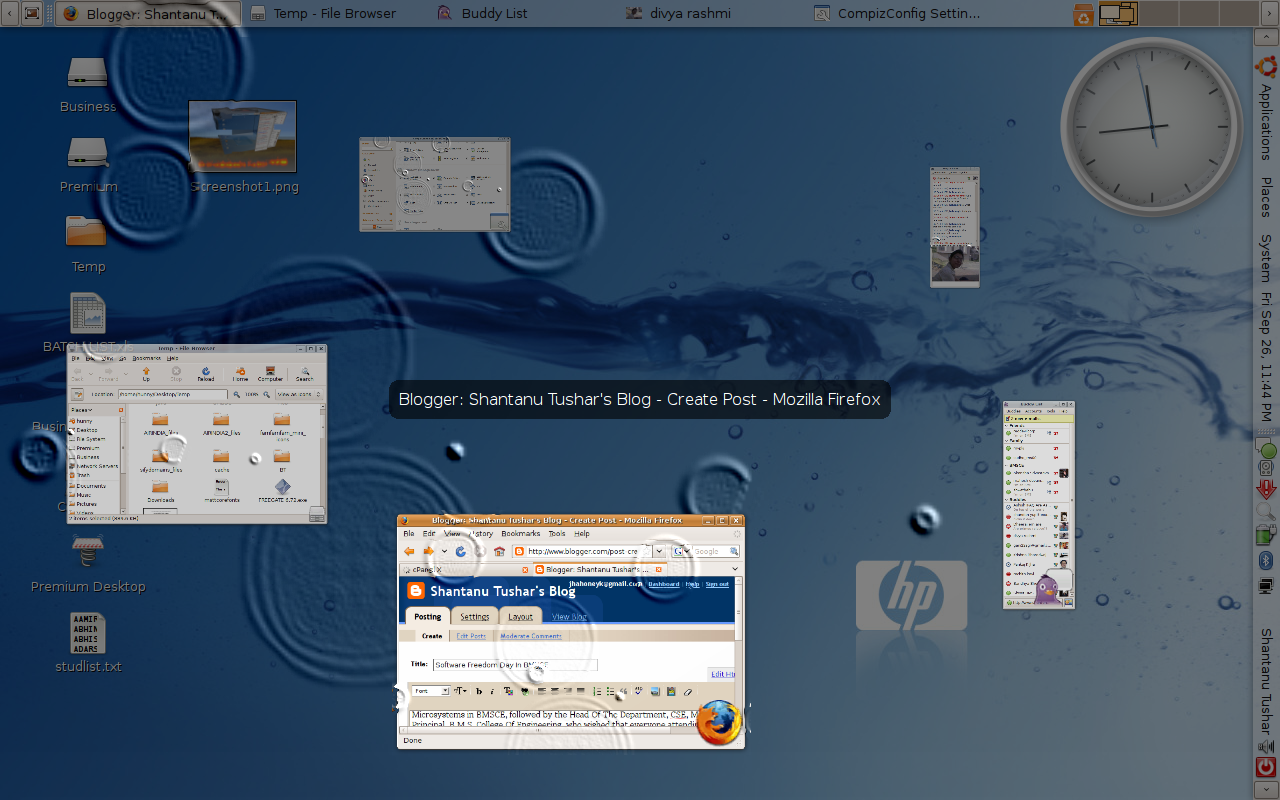
After this, Santosh Vattam, ISE, 7th semester student demonstarted the cool effects an Open Source software called CompizFusion provided.Most of the audience who though Windows Vista had cool graphics, i'm sure, wouldn't be thinking the same after the session.Then, there was a session about Blender software which allows to easily render 3-D artwork and create movies.The sample movie shown was just brilliant, and people really liked it after a hi-fi session about Cluster Computing. This was followed by lunch.
After lunch, Madhusudan C.S. 7th sem, ISE student showed how easily content management systems like Drupal can be used to create blogs easily, “Creating a blog in 10 minutes”.This was followed by a session on NetBeans by Ashwin, IIIT-B which was very enlightening and amazing, and then the attendees were taken for a hands-on session in the ISE and CSE labs, where small Java snippets were practiced on NetBeans. I was excited to know how easily mobile apps can be made using NetBeans.Many participants (including me, yippe!!) got goodies for answering question during the sessions. On a whole, the day was everything, information about Open Source, Java and other cool Open Source software. (I couldn't take much photos in the auditorium, so couldn't add some here)
BDOTNETStudent UG Meet At Microsoft GTSC
(This post is deprecated)
Today was another UG meet of the BDOTNET community at Bangalore. Got to learn a lot of things, things about the group, about Microsoft Technologies.
Being my first ever visit to the Microsoft GTSC Office in Bangalore, i was completely unaware of the location (thanks to Krishna Bhardwaj, who guided me to the place). Me with my friends Aastik, Saket and Abhay, after finding the Golf Links Business Park Offices, searched the whole place and finally came up to the MS building-
Inside was a good atmosphere, and it was good to be between so many people who are excited about technology.
It started at around 10:30 a.m. with an introduction to Visual Studio 2008 by Anil B Pai (MSP, Dr.AIT) in which he showed how the VS IDE makes work simpler and more efficient by doing all the common design/code itself.
Then there was a break of 10 minutes,
Â
After the break, Lakshman Srikanth demonstrated programming an iRobot through MS Visual Studio using C#. It was the part I enjoyed the most, because seeing hardware being controlled so easily through few lines of code looked superb. This was followed by a highly informative session by Aakash Bapna (MSP, PESSE) about an overview of Web Technologies like Server side scripting, client side scripting, css, etc. and another interesting session by Samartha (MSP, RVCE) about Architecture of a Search Engine like Google, Live Search, Yahoo! etc.
On a whole, it was an interactive event with everyone in the audience, the presenters were all involved in sharing knowledge, for what the Bangalore .NET Student group was created, and for what all of us assembled there.
Singularity – An Open Source Operating System By Microsoft Research

We discussed about how Singularity was different from current operating systems, how it can avoid potential problems faced in current technologies in OSes. The key differences I noted down are- Unlike other OSes, its built on managed code, mostly in C# and Sing# (a variant of C# specially developed for development of Singularity) which executes through a Common Language Runtime (similar to the CLR in .NET framework).
- Running processes are isolated from each other, and are called Software Isolated Processes (SIPs), so that there can be no unsafe transaction between two or more processes (so, pointers are also not supported, the functions are instead provided by the OS, hence it can keep check on the SIPs). Again, for this Singularity features Inter Process Communication (IPC) so that processes can perform safe transaction.
- Writable Memory that is currently allocated for a SIP is NOT shared with other SIPs.
- Code ambiguities like infinite loops, are handled by manifests, which execute the programs.
- An Exchange Heap so that processes can send/receive messages (or, events).
- A new data structure Linked Stacks are used, a combination of Linked Lists And Stacks, as the name suggests.
- Garbage Collection is more efficient, using almost same technologies as the .NET framework.
- After compiling the OS, and analyzing the file system, i found many similarities to the UNIX OS, in terms of commands, and the devices being considered as files.
On the whole, there were a lot of improvements, mostly focussed on performance and security. Lets see if it becomes the Operating System of the future. Relevant Links-
- Singularity Operating System-